Yes. The public converter is positioned as a free tool for long-tail music workflows. AI voice generation uses the separate credit-based Create product.

Free online converter
Free MP3 to MIDI Converter
Drop a melody, vocal, or instrument clip into Seed Audio AI and get a free MIDI draft you can preview on a piano roll, audition in the browser, and download for your DAW.
Drop your audio file here
or click to browse
Supports MP3, WAV, OGG, FLAC · Max 50MB
Show MIDI adjustments
About this free tool
What free audio-to-MIDI conversion does inside Seed Audio AI
Audio files store pressure waves. MIDI stores performance instructions—pitches, timing, and velocity—so you can change tempo, transpose, swap instruments, or rewrite notes without re-recording the source performance.
Seed Audio AI’s free MP3 to MIDI path analyzes onsets and pitch in your browser, then builds a standard .mid file you can open in almost any DAW or notation app. It is designed for quick transcription drafts, not as a replacement for a full studio MIDI editor.
Use it when you need a starting grid of notes from a hum, riff, lead line, or simple polyphonic phrase before you move into arrangement, sound design, or AI voice production on the same site.

Task help for this tool
Inputs, results, and common failures
Tool-specific guidance so you can finish the job without a second SERP search.
Best inputs and bad fits
Solo vocals, lead melodies, bass lines, and clean monophonic instruments convert more cleanly than dense masters.
Heavy reverb, extreme distortion, and full mixed songs with competing parts usually create more ghost notes and pitch drift.
- Good: dry hums, toplines, guitar riffs, simple phrases
- Harder: brickwall masters, live rooms, thick polyphony
- Tip: split a vocal stem first when the mix is crowded
What the exported MIDI is good for
Treat the download as an editable draft grid—not a final transcription. Quantize, transpose, swap instruments, and rewrite notes in your DAW.
It is strong for ideation, teaching loops, and temp motifs. It is weak as a substitute for careful multi-track scoring.
DAW cleanup checklist
After export, spend a few minutes cleaning before arrangement:
- Remove ghost notes and double attacks
- Fix octave jumps and wrong accidentals
- Quantize lightly, then fix sustained note lengths
- Re-voice obvious wrong harmony clusters
Troubleshooting common failures
Pitch drift often comes from vibrato, slides, or noisy sources—try a cleaner take or lower sensitivity.
Unstable rhythm on free-time performances is normal; run free BPM detection first so you know the grid you will quantize against.
If a full mix fails, isolate a stem or re-record a dry reference clip.

Why teams convert audio first
Stop rebuilding melodies by ear when a free note draft is enough
Manual transcription slows demo cycles. A free browser converter gives producers, teachers, and creators a first-pass MIDI map they can clean up later.
Slow manual note entry
Programming a hummed hook or guitar line by hand can burn an evening before arrangement even starts.
Locked audio takes
Once a melody lives only as a waveform, tempo and key changes force new recordings or messy warping.
Tooling friction
Desktop-only converters and CLI installs get in the way when you only need a free, shareable first draft.
Scattered free tools
Jumping between unrelated converter sites slows research. Seed Audio AI keeps free music utilities on one domain next to optional AI voice tools.
Practical MIDI drafts
Where free MP3 to MIDI fits real production
Treat the download as an editable sketch. Clean timing and harmony in your DAW, then continue with stems, BPM checks, or AI narration on Seed Audio AI.
Hook sketching for producers
Capture a phone recording of a topline, convert free MIDI, then layer synths without redrawing every pitch.
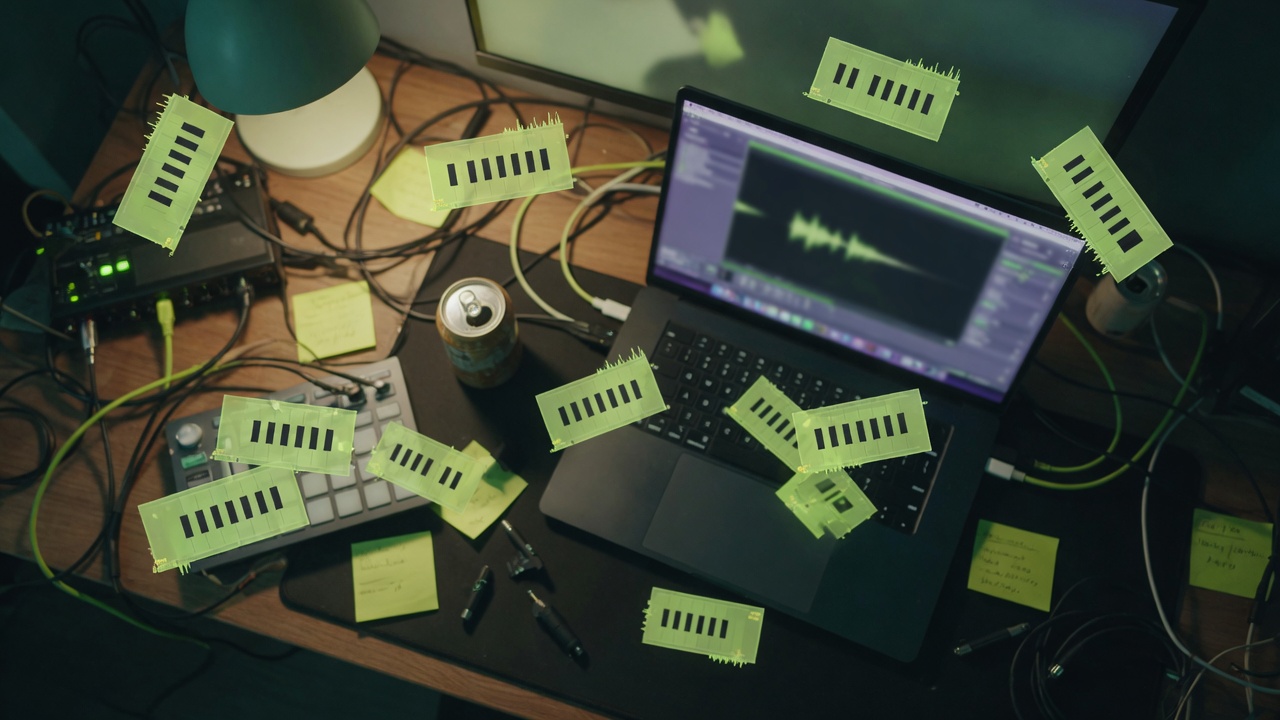

Lesson and practice packs
Turn short performances into note maps students can slow down, loop, and annotate.
Game and film temp lines
Extract reference motifs into MIDI so adaptive music and temp cues stay editable across revisions.
Draft a motifCreator sound beds
Generate MIDI sketches from audio you own or have permission to use, then render alternate instruments via MIDI to Audio.
Start free conversionFour free steps
From audio clip to downloadable MIDI
No install, no account required for the free conversion path. Review notes before you export.

Free browser workflow — preview results before you download.
01
Upload or import audio
Use MP3, WAV, and other common formats within the free size and duration limits shown in the workbench.
02
Tune detection sensitivity
Adjust onset and pitch controls when the source is soft, noisy, or highly rhythmic.
03
Preview the piano roll
Scrub notes, listen in-browser, and confirm the grid is close enough for DAW cleanup.
04
Download standard MIDI
Export a .mid file you can open in Logic, Ableton, FL Studio, MuseScore, and similar tools.
Tool comparison
Free browser MIDI draft vs heavier alternatives
Choose Seed Audio AI when you want a free, install-free first pass. Keep full DAWs for final quantization and orchestration.
| Capability | Seed Audio AI free converter | Typical desktop / CLI path |
|---|---|---|
| Cost to try | Free conversion in the browser | License or setup cost varies |
| Install required | No desktop install | Often yes |
| Privacy for local files | On-device analysis for this tool | Depends on the app |
| Note preview | Piano roll + playback | Varies by product |
| Best for | Draft transcription and ideation | Final production editing |
| Related free tools | BPM, chords, stems, sheet on one site | Usually isolated utilities |
Production notes
How to get cleaner free MIDI results
Solo sources convert more cleanly than dense full mixes. A dry vocal, bass, or monophonic lead usually maps better than a mastered track with heavy effects.
If tempo feels unstable, run free BPM & Key Detection first so you know the grid you will quantize against in your DAW.
After export, treat MIDI as a draft: fix doublings, remove ghost notes, and re-voice chords. Seed Audio AI optimizes for speed and accessibility, not automatic score perfection.
Keep rights responsibility clear: you must own or have permission for the source audio before you publish derived MIDI.
- Free long-tail music utilities live under VOICE TOOLS on Seed Audio AI.
- Results are drafts or estimates—verify and clean up before publication.
- You remain responsible for rights in uploaded audio, MIDI, and published outputs.


Free audio tools
More free Seed Audio AI utilities
Chain free converters, analyzers, and renderers without leaving seedaud.io.
BPM & Key
Read tempo and musical key from a track before you mix or sample.
Open free toolChord Detection
Map progressions on a timeline for practice, covers, and rearrangements.
Open free toolStem Splitter
Pull vocal, drums, bass, and music stems for remix and cleanup work.
Open free toolMIDI to Audio
Render MIDI to free MP3, WAV, FLAC, and other real download formats.
Open free toolMIDI to Sheet
Preview notation and export MusicXML or printable sheet drafts.
Open free toolMP3 to MIDI FAQ
MP3 to MIDI FAQ
Answers about free audio-to-MIDI conversion, quality limits, rights, and next steps after export.
This workbench is built for browser-side analysis. Keep proprietary material offline if your policy requires fully local processing, and review the on-page privacy notes for your session.
Clear melodies, vocals, and solo instruments. Dense mixes, extreme distortion, and heavy reverb reduce pitch confidence.
Common formats such as MP3, WAV, and other workbench-supported audio types are accepted within the posted size and duration limits.
Yes. Review the piano roll and in-browser playback before you export a standard MIDI file.
You are responsible for rights in the source audio and for how you publish the result. Free tooling does not grant rights to third-party songs.
No. MP3 to MIDI extracts editable note events from existing audio; it does not synthesize speech or replace a voice recording.
No automatic transcription is perfect. Clean sources convert more cleanly; always quantize and edit in your DAW after export.
The free converter is designed for quick public use without requiring an account for the basic workflow.
Open the file in your DAW or notation app, fix timing, then continue with free BPM, chord, stem, or sheet tools.
Need spoken audio after your MIDI draft?
Keep free music utilities for research, then generate review-ready AI voiceovers from scripts in Create AI Voice Audio.