Yes. The chord timeline workbench is offered as a free utility alongside other long-tail music tools.
Free harmony analysis
Free Chord Finder and Chord Detection from Audio
Identify chord progressions from audio for free on Seed Audio AI. Review a timeline of labels and confidence so practice, covers, and rearrangements start faster.
Drop your audio file here
or click to browse
Supports MP3, WAV, OGG, FLAC · Max 50MB
About this free tool
How free chord detection supports arrangement work
Chord detection estimates harmonic labels over time—major, minor, and common extensions—so you can chart a song without pausing every bar by ear.
Seed Audio AI surfaces a free timeline view with confidence cues, making it easier to spot uncertain regions that need manual verification.
Use the chart as a sketch for teaching, covers, or MIDI reharmonization, then refine in your DAW or on paper lead sheets.

Task help for this tool
Inputs, results, and common failures
Tool-specific guidance so you can finish the job without a second SERP search.
What chord labels you may see
Expect common triads and frequent variants. Slash chords and complex extensions may simplify to a nearby, readable label.
The free chart is a sketch for practice, covers, and reharmonization—not a publication-grade lead sheet.
What confidence means
Confidence is model preference strength, not a guarantee of right or wrong. Low-confidence bars should always be reviewed by ear.
Dense jazz clusters, distorted guitars, and incomplete voicings often lower confidence even when a player can name the chord.
How to read the timeline
Scan section changes at bar boundaries, then loop low-confidence spans and correct them in your notes before you rewrite parts.
Full mixes are harder than clear harmonic stems. If labels thrash, try a cleaner instrument stem or run free Stem Splitter first.
Best inputs and failure modes
Clear harmonic sections, piano/guitar stems, and moderate polyphony work best.
Failure modes include heavy effects, bass-only drops, and non-triadic textures—treat those regions as drafts only.

Why automate first-pass harmony
Ear transcription is valuable—free charts remove the blank page
A free progression map accelerates learning and demo rewriting while still leaving artistic judgment to you.
Hours of stop-start listening
Pausing every bar to name chords is slow when you only need a scaffold.
Ambiguous pop voicings
Inversions and partial voicings confuse beginners; confidence markers highlight where to double-check.
Cover band prep
Groups need a shared progression reference before they invent their own arrangement twists.
From chords to MIDI
Once harmony is known, producers can rebuild parts as MIDI or layered instruments more intentionally.
Harmony workflows
Free chord charts across learning and production
Export the mental model, not a finished score—then continue with MIDI or AI voice tools as needed.
Cover song mapping
Sketch verse and chorus harmony before arranging guitars, keys, or synths.


Classroom analysis
Show students how common progressions move through a recording with free timeline labels.
Sample reharmonization
Understand the bed under a loop before you revoice or pitch-shift it.
Analyze harmonyPrep for MIDI rebuilds
Pair chord labels with free MP3 to MIDI when you need both harmony and melody notes.
Combine free toolsFour free steps
From recording to progression timeline
Upload audio, run free detection, review the timeline, then verify uncertain bars by ear.
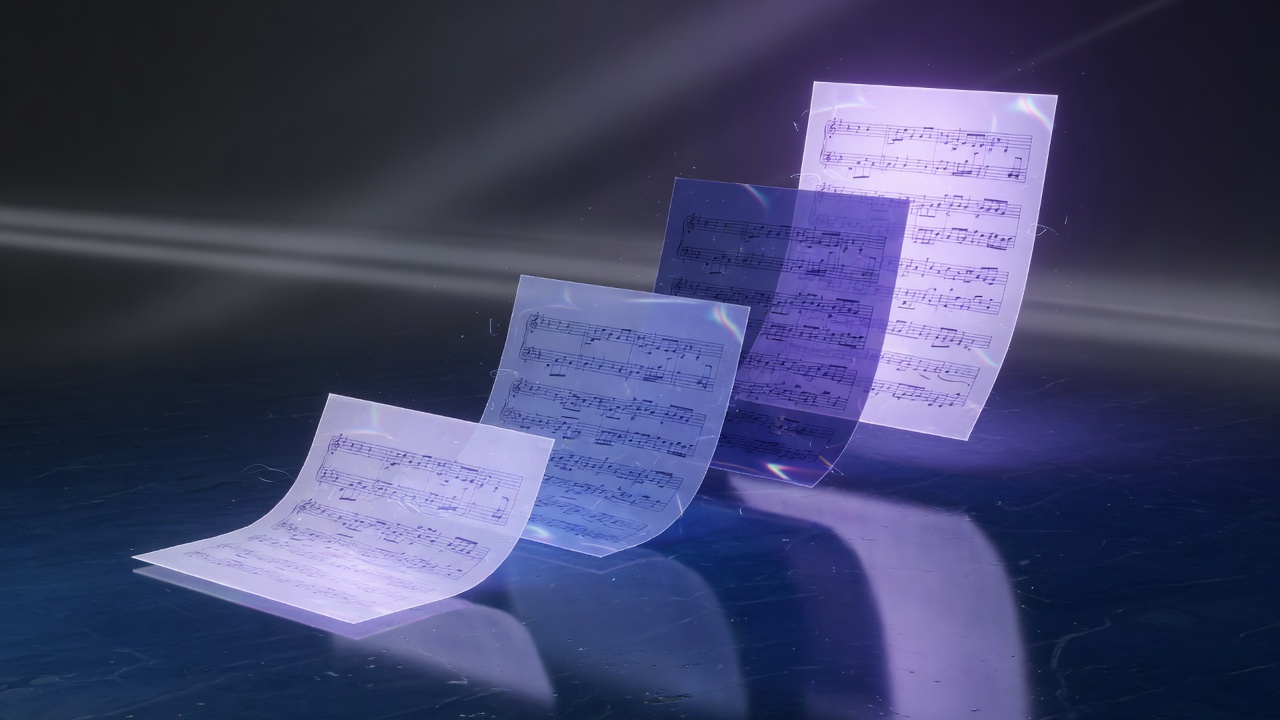
Free browser workflow — preview results before you download.
01
Load audio
Use a reasonably clean mix or instrument stem for better harmony estimates.
02
Detect chords
Generate a free timeline of chord labels with confidence context.
03
Audit weak regions
Replay low-confidence spans and correct them in your notes.
04
Apply the chart
Rewrite parts, teach the form, or rebuild harmony as MIDI.
Tool comparison
Free chord timelines vs full transcription suites
Seed Audio AI prioritizes free, fast charts. Paid suites still lead for multi-track score recovery.
| Capability | Seed Audio AI free chords | Heavy transcription suites |
|---|---|---|
| Cost | Free public tool | Paid seats common |
| Output | Timeline labels + confidence | Deep multi-track scores |
| Setup | Browser workbench | Install / account flows |
| Best for | Covers, teaching, demos | Publication-grade transcription |
Production notes
Getting trustworthy free chord labels
Homophonic sections with clear triads detect more reliably than dense jazz clusters or distorted guitars.
If the key is unknown, run free BPM & Key Detection first so you can interpret relative progressions more easily.
Always validate against your ear—especially on borrowed chords, pedals, and multimodal bridges.
Always validate borrowed chords, pedals, and modal bridges by ear before you publish a chart.
- Free long-tail music utilities live under VOICE TOOLS on Seed Audio AI.
- Results are drafts or estimates—verify and clean up before publication.
- You remain responsible for rights in uploaded audio, MIDI, and published outputs.


Free audio tools
More free Seed Audio AI utilities
Keep analysis free, then render or narrate when you are ready.
MP3 to MIDI
Free audio-to-MIDI conversion with piano-roll review in the browser.
Open free toolBPM & Key
Read tempo and musical key from a track before you mix or sample.
Open free toolStem Splitter
Pull vocal, drums, bass, and music stems for remix and cleanup work.
Open free toolMIDI to Audio
Render MIDI to free MP3, WAV, FLAC, and other real download formats.
Open free toolMIDI to Sheet
Preview notation and export MusicXML or printable sheet drafts.
Open free toolChord Detection FAQ
Chord Detection FAQ
Answers about free chord timelines, confidence scores, rights, and related Seed Audio AI workflows.
They estimate how strongly the model prefers a label. Low confidence means you should verify that bar manually.
Common triads and frequent variants are supported. Exotic or incomplete voicings may simplify to nearby labels.
You must respect the rights of the original recording and composition. The free tool does not grant publishing rights.
Yes, though dense masters are harder than clean instrument stems. Separating stems first can help.
Use free charts as a teaching scaffold, then have students confirm ambiguous bars by ear.
Yes. Detect harmony, convert melodies to MIDI, then rebuild parts in your DAW.
Heavy effects, bass drops, or non-triadic voicings confuse automatic labeling—treat the chart as a draft.
Follow the on-page privacy notes for your session and avoid uploading material you cannot process under your policy.
Yes when the tonal center is unclear—free BPM & Key Detection helps you interpret relative progressions.
Finished the chord sketch?
Continue with free Stem Splitter or MP3 to MIDI. Create AI Voice Audio remains available when the project needs spoken narration.