AI audio from one prompt
Describe a full sound world—setting, speakers, ambience, music, and effects—then generate a reviewable track online.
Seed Audio 1.0 AI Audio Generator is the Seed Audio AI browser workspace for online AI audio generation powered by ByteDance Seed’s Seed Audio 1.0 model. Create dialogue, ambience, BGM, and effects from one prompt, with optional audio or image references, multi-speaker dialogue, and multilingual scenes—for short-drama, ad, game, and learning drafts. This site is an independent product workspace and is not ByteDance’s official website or portal.
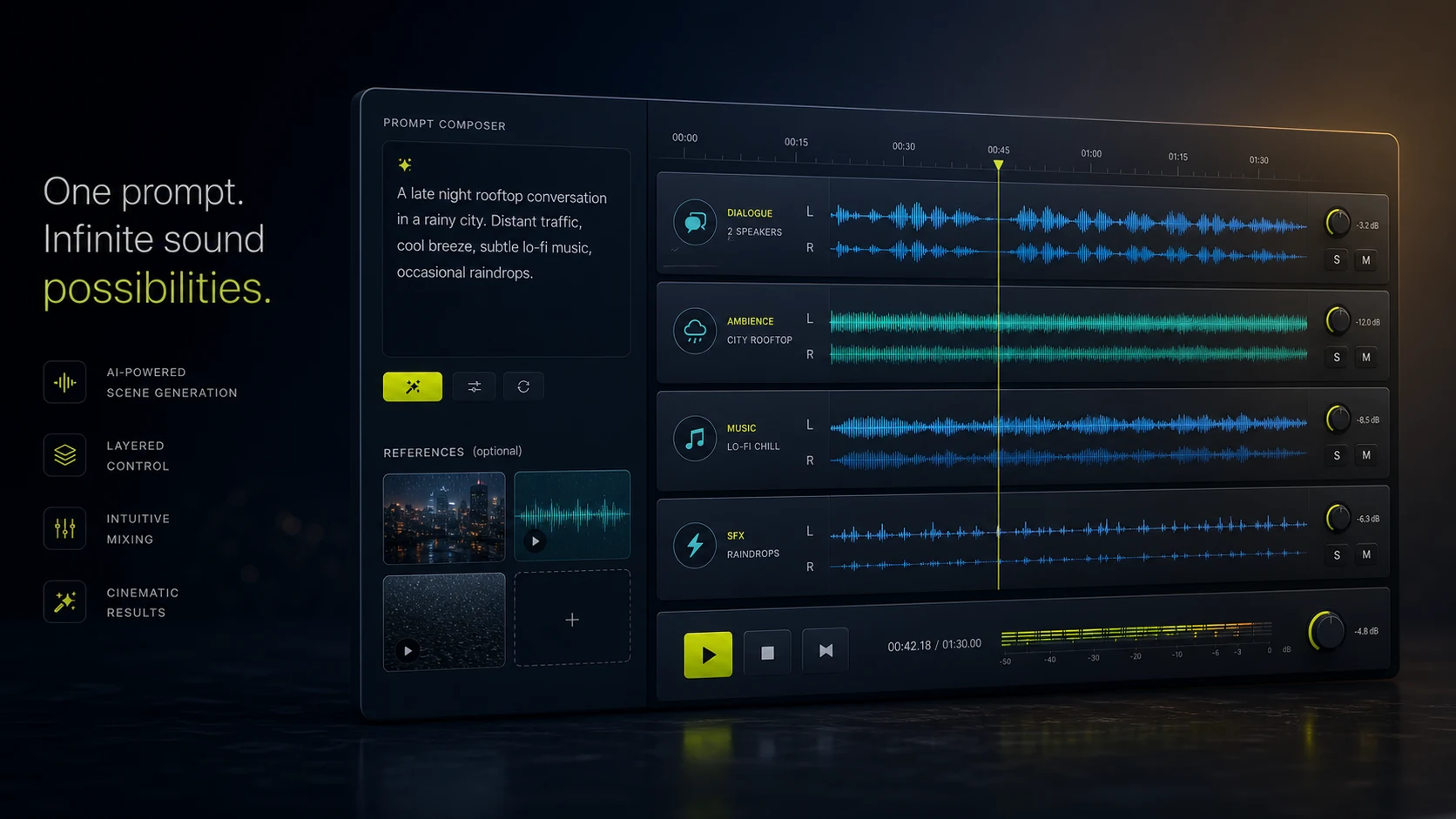
Online AI audio generation
It is Seed Audio AI’s browser tool for online AI audio generation powered by ByteDance Seed Audio 1.0. Describe multi-speaker dialogue, emotion, ambience, BGM, and effects in one prompt—an independent workspace, not ByteDance’s official portal.
Describe a full sound world—setting, speakers, ambience, music, and effects—then generate a reviewable track online.
Build 2–3 roles with voice direction and lines, then let Seed Audio 1.0 compose the conversation.
Dialogue, room tone, BGM, and foley-style cues can live in one creative pass instead of separate tools.
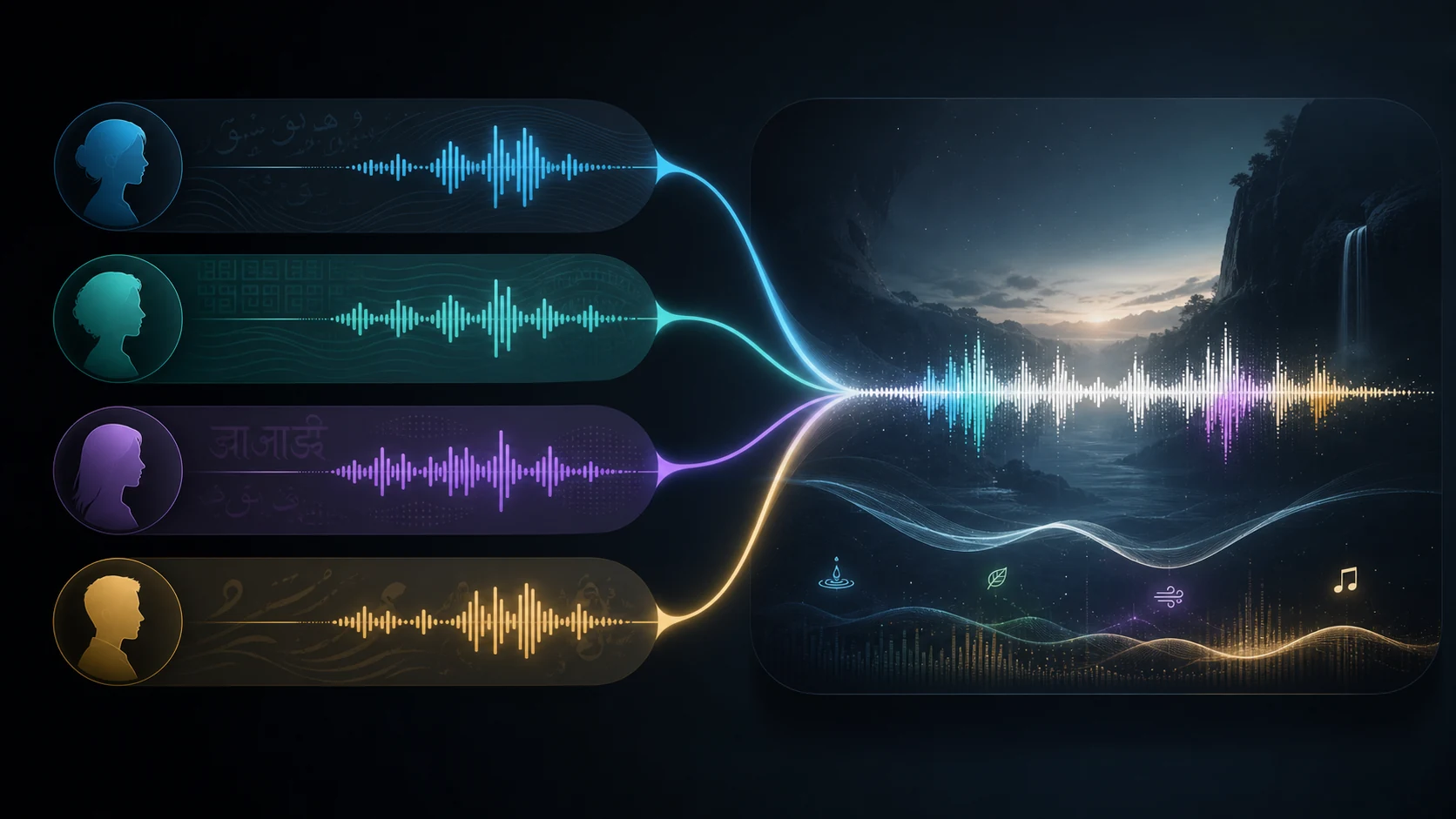
Turn on multilingual mode when prompts mix languages or need stronger non-English delivery.

Why this generator
Ordinary TTS is ideal when you need clean spoken delivery of a fixed script. This AI audio generator is better when the draft must sound like a place—with characters, space, music, and events.
Guide dialogue, emotion, accents, ambience beds, and effects together for short drama and trailer drafts.
Add up to three reference clips as @Audio1–3, or one reference image for mood—never both at once.
Generate inside the familiar glass workbench with preview, download, share, and signed-in history.
Scene vs TTS
Keep standard text-to-speech for clean narration. Switch to Seed Audio 1.0 when you need a complete acoustic scene.
Best for short drama, ad storyboards, game moments, and cinematic previews where dialogue and environment must arrive together.
Best for voiceovers, podcast host reads, audiobook chapter drafts, and any fixed script that needs clear spoken delivery.
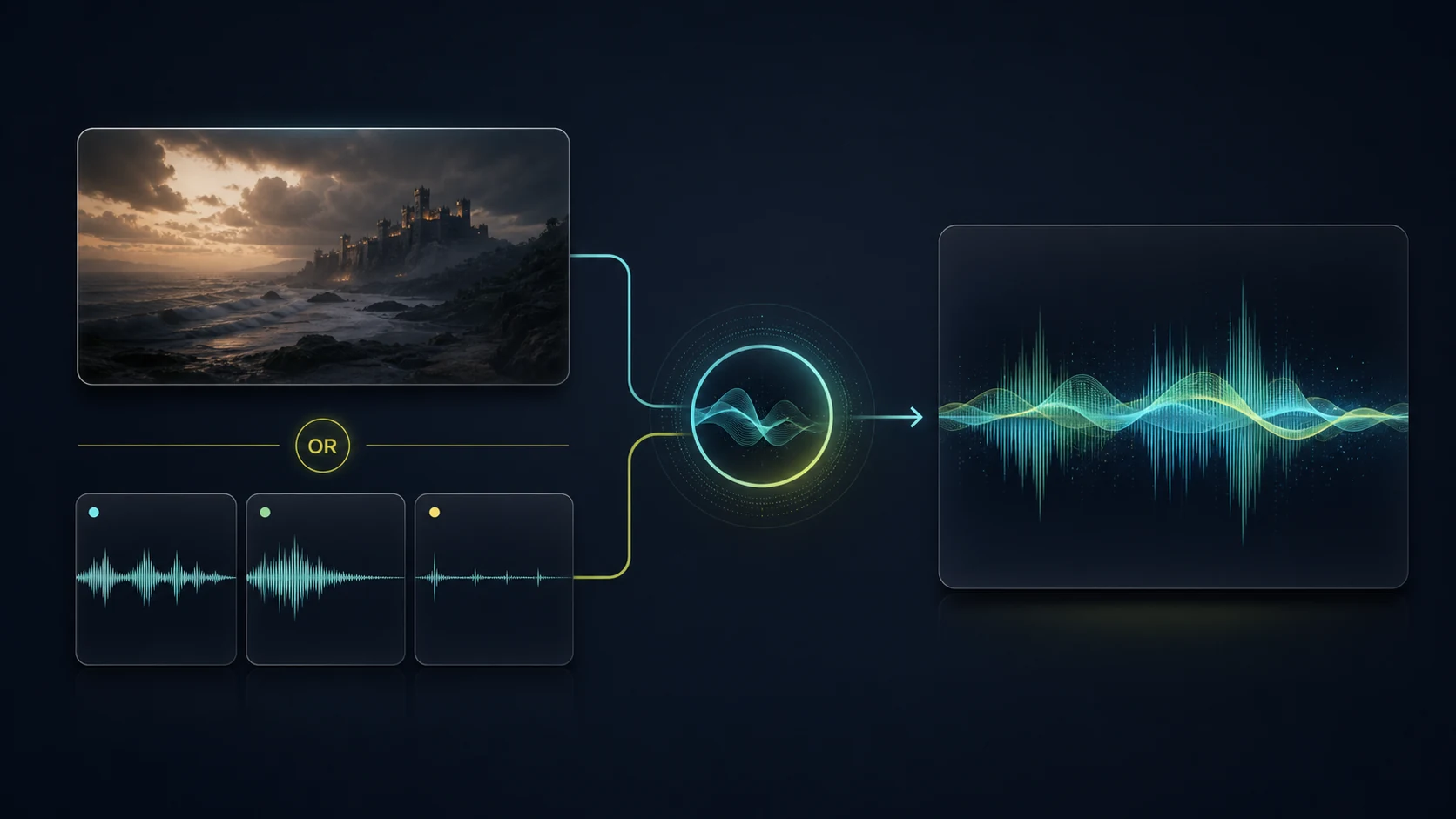
Reference audio shapes voice and style. A single image can steer mood and setting. Image and audio references are mutually exclusive.
Enable multilingual mode for mixed-language prompts or stronger non-English scene direction without leaving the browser workspace.
Seed Audio 1.0 scene generation uses about 700 credits per generated minute—the same tier as voice clone. Standard TTS is about 100 credits per minute. Failed generations are not charged.
View pricing →How to generate AI audio online
Open the workspace, write a focused prompt, add optional references, then generate and review.
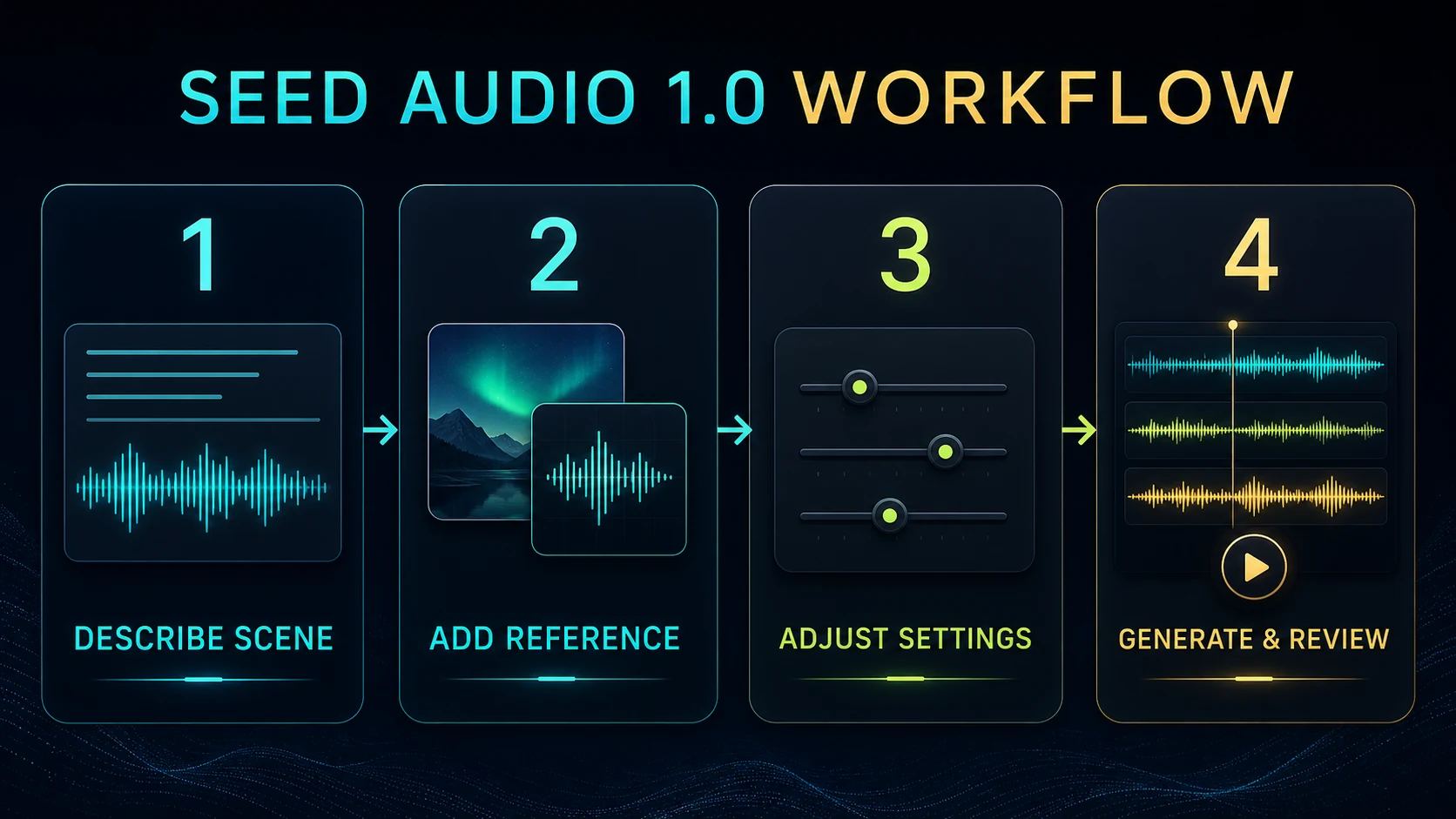
Setting, time, speakers, emotion, language, ambience, BGM, SFX, and closing beat.
Up to 3 audio refs (@Audio1–3) or one image for mood—choose one reference type only.
Format, sample rate, speed, volume, pitch, and multilingual when the prompt needs it.
Preview, download, share, and revisit recent scene outputs in History when signed in.
Prompt craft
Scene + speaker + emotion + language + ambience + BGM + sound effects + timing. Example: two speakers whisper in a rainy alley, tense strings underneath, distant traffic, footsteps, and a final metallic door slam.
Creative directions
Use it when a project needs more than narration—a coherent acoustic moment with voices, space, and events.
Draft dialogue, emotional beats, foley, ambience, and music for pre-visualization.
Sketch product demos, social clips, and localized ad sound beds before a final mix.
Try ambient loops, character lines, and cinematic stings early in production.
Build immersive explainers and character conversations with spatial sound cues.
FAQ
Practical answers for creators using this Seed Audio 1.0 workspace in the browser.
Describe dialogue, ambience, music, and effects—then generate, preview, and revise online in Seed Audio AI.
Start AI Audio Generator →