

Create AI Voice Audio with Seed Audio AI

AI Text-to-Speech & Voice Generator

Generate natural voiceovers, narration, podcast segments, and audiobook drafts from text. Choose a voice, shape the delivery, and export audio from one browser-based workflow.

Enter your text

0 / 50 chars

Generation limit: 50 characters.

Choose a voice

Credits are charged by generated duration: Text to Speech and standard Voice Design use about 100 credits/min; Voice Clone and cloned-voice generation use about 700 credits/min.

Seed Audio AI is a browser-based AI text-to-speech workspace for turning scripts into review-ready voice audio drafts that can be downloaded and reused.

Recording booth microphone for traditional voice production

Why AI voice generation

Stop Losing Time to Recording Bottlenecks

Traditional voice production can be slow to schedule, expensive to revise, and hard to keep consistent. AI text-to-speech gives content teams a faster way to draft, review, and regenerate audio.

Studio Scheduling

Casting, booking, and recording sessions can slow down everyday content work before a draft is ready.

Slow Revisions

Small script updates often create a new review cycle when the source audio must be recorded again.

Inconsistent Voice Direction

Different rooms, microphones, and sessions make it hard to keep the same delivery across projects.

Language Expansion

Reaching more markets often means coordinating separate voice workflows for each language or audience.

Reusable Voice Settings

Saved delivery choices make repeated narration, ads, and documentation easier to keep consistent.

Audio production drag

Why AI Voice Generation?

Replace one-off studio sessions with a repeatable workflow that keeps voice direction, language coverage, and revisions inside the same product surface.

Video Voiceover Without a Studio

AI text-to-speech lets teams draft voiceovers from a script before they commit to recording, talent booking, or a final production direction.

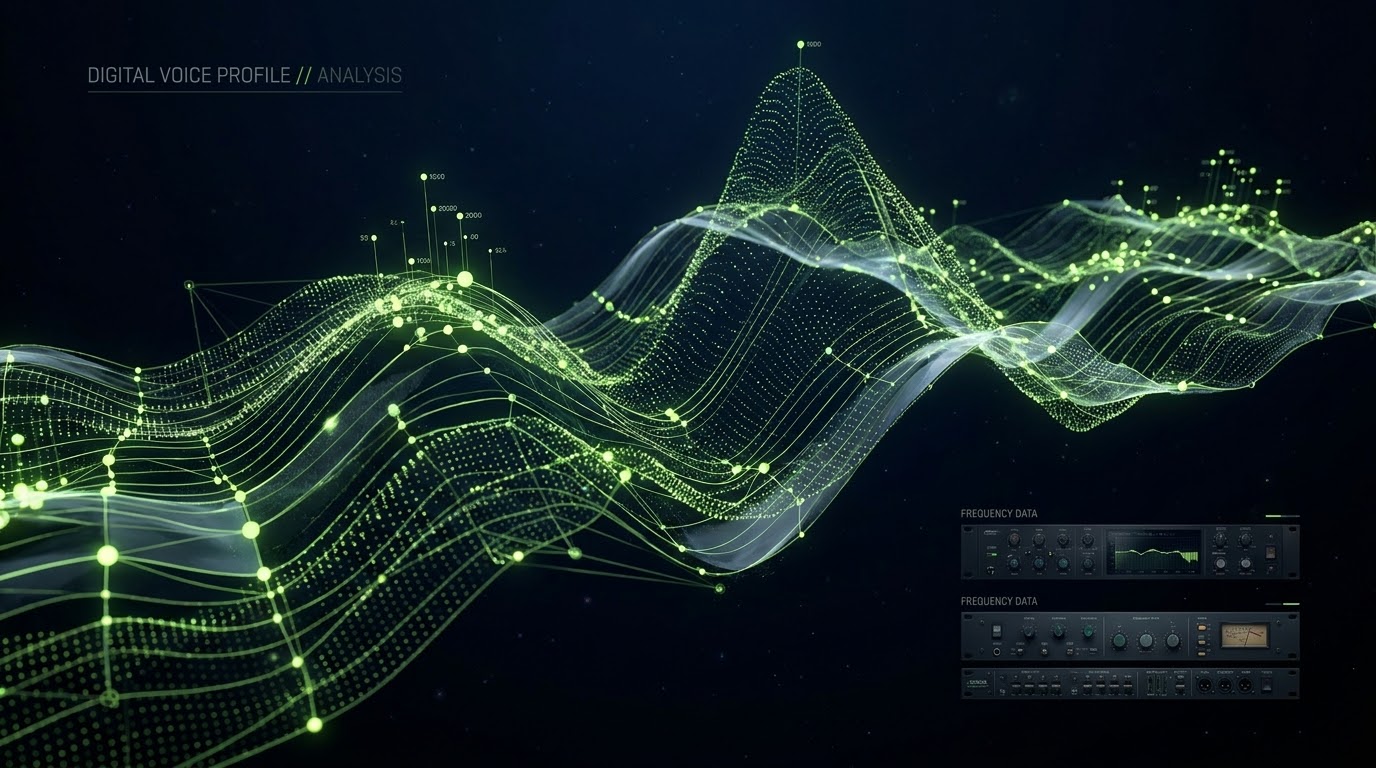
AI voice profile spectrogram visualization
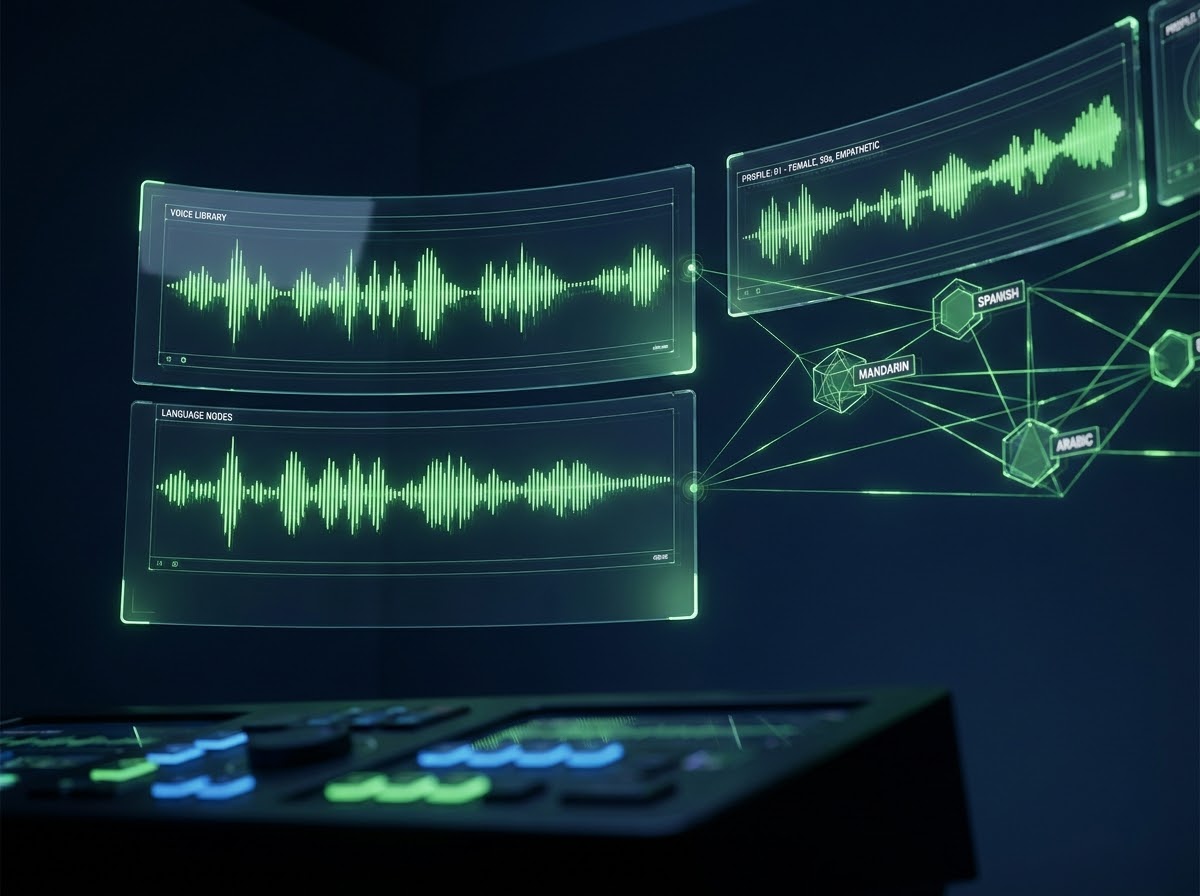
Multilingual voice library interface

Multilingual Content Production

Reaching global audiences means adapting scripts, delivery, and review workflows across languages. AI voices can help teams prototype localized audio before final publishing decisions.

Reusable Voice Profiles

Brands and series need consistent voice direction across episodes and campaigns. Reusable voice settings help keep audio drafts aligned while you test scripts, markets, and formats.

From script to sound

From Script to Sound in 4 Steps

Paste your script, select a voice, adjust delivery settings, and generate audio you can preview, download, or reuse.

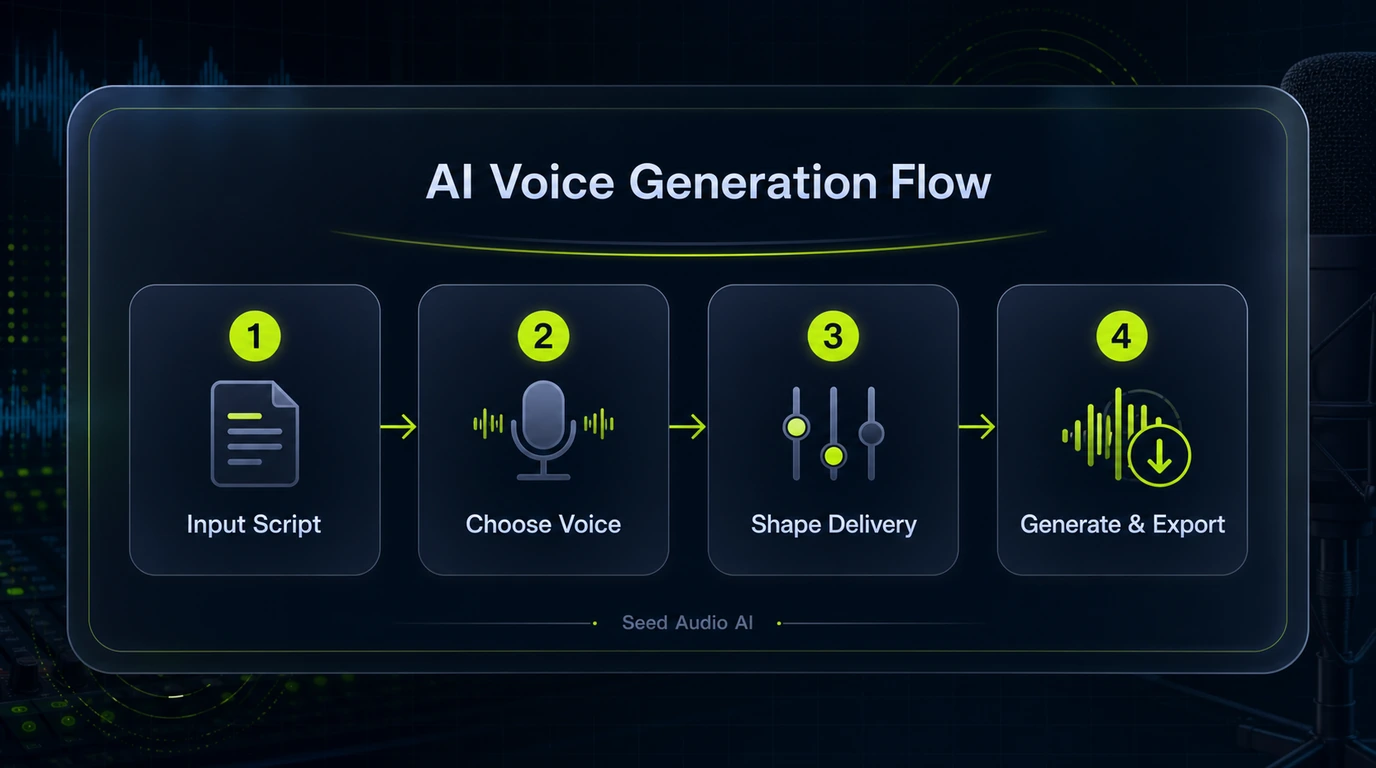
Four step AI voice generation workflow diagram
01

Input Script

Paste or draft the exact narration, ad read, podcast segment, or character line you want to generate.

02

Choose Voice

Pick a narrator, podcast host, audiobook voice, or character voice that matches the project.

03

Shape Delivery

Tune pacing, emotion, and delivery before producing an AI voice draft from the script.

04

Generate and Export

Preview the result, export the audio, and reuse the same delivery direction for future iterations.

How it works

Generate AI Voice Audio in 4 Steps

Paste a script, choose a voice, adjust delivery settings, and generate audio you can preview, download, or reuse.

01

Paste your script

Type or paste your text into the editor. The AI processes natural language to deliver expressive, human-like speech output.

02

Choose a voice

Browse the voice library by language, gender, and use case. Preview voices before applying to find the best match for your project.

03

Shape delivery

Adjust speed, emotion tags, and delivery direction to match the tone you need — calm narration, energetic promo, or dramatic storytelling.

04

Generate and share

Generate the audio, preview the result, download the file, or share a link. Save to history for future re-use and iteration.

Tool comparison

AI Voice Generation vs Traditional Voice Recording

Traditional recording still matters for major productions, but everyday content teams need faster, cheaper audio iteration.

FeatureTraditional RecordingSeed Audio AI
CostTalent, studio, and revision costs vary by projectTransparent creator plans and credit-based generation
SpeedDays to weeks for talent booking and recordingGenerate draft voice audio quickly
SetupStudio, microphone, sound engineer, talentPaste text, choose voice, click generate
IterationRebook talent for every revisionAdjust settings and regenerate drafts
LanguagesCoordinate separate talent and review cycles per languagePrototype localized audio workflows from one workspace
ConsistencyVoice varies by session and talentReusable voice settings for more consistent output

Voice library

Choose Voices for Different Audio Workflows

Select voices for narration, podcast reads, lessons, ads, and character lines. Additional voice library controls are planned as Seed Audio AI expands.

Grace

Warm & authoritative

Female
EnglishNarration
Use this voice

Sophia

Clear & engaging

Female
EnglishNarration
Use this voice

Alex

Conversational

Male
EnglishPodcast
Use this voice

Mia

Energetic

Female
EnglishPodcast
Use this voice

Ethan

Dynamic & persuasive

Male
EnglishAdvertising
Use this voice

Olivia

Friendly & patient

Female
EnglishEducation
Use this voice

Wenxuan

Standard & steady

Male
ChineseNarration
Use this voice

Chengan

Calm & clear

Male
ChineseNarration
Use this voice

Mio

Calm & composed

Female
JapaneseNarration
Use this voice

Antoine

Elegant & poised

Male
FrenchNarration
Use this voice

Felix

Professional & clear

Male
GermanNarration
Use this voice

Rex

Dramatic & deep

Male
EnglishGaming
Use this voice
Full voice library soon
PRICING // SEED AUDIO AI
Upgrade To Generate More Audio

Start with free audio credits, then choose a Seed Audio AI plan for text-to-speech, voiceover drafts, narration, podcasts, and audiobooks.

Subscription Plans

Choose a recurring plan for monthly Seed Audio AI audio credits and voice generation features.

Creator

For content creators

$99$119/year

Billed yearly for regular voiceover work

Monthly credits
5,000 creditsValid for 30 days
Text to Speech≈ 50 min Text to Speech
Voice Clone≈ 7 min Voice Clone
Creator workflow includes
  • 5,000 monthly audio credits
  • Commercial voiceover workflows where your plan and rights permit
  • History and share links
  • More expressive voice presets
  • MP3 download workflow
  • Standard email support
Pro

For professionals

Most PopularSave up to 50%
$249$299/year

Billed yearly for high-volume creators

Monthly credits
18,000 creditsValid for 30 days
Text to Speech≈ 180 min Text to Speech
Voice Clone≈ 25 min Voice Clone
Everything in Creator, plus
  • 18,000 monthly audio credits
  • Priority generation queue
  • Long-form narration workflow
  • Podcast and audiobook draft workflows
  • Reusable delivery settings
  • Higher script limits
  • Advanced pacing controls
  • Priority customer support
Studio

For studios and teams

$499$599/year

Billed yearly for team production

Monthly credits
50,000 creditsValid for 30 days
Text to Speech≈ 500 min Text to Speech
Voice Clone≈ 71 min Voice Clone
Everything in Pro, plus
  • 50,000 monthly audio credits
  • Team-oriented voiceover production
  • Batch narration workflows
  • Shared audio history
  • More concurrent generation headroom
  • Priority support lane
  • Advanced export workflow
  • Reusable project presets
  • Team commercial workflows where your rights and plan allow
  • Production safety controls

Credit Packs

Top up extra audio credits with a one-time purchase when you need more generated speech.

Creator

One-time credit pack

$19$39/pack

One-time creator credit pack

Credits
4,000 creditsNo subscription
Text to Speech≈ 40 min Text to Speech
Voice Clone≈ 5 min Voice Clone
What's included
  • 4,000 credits Credits
  • 4,000 prepaid credits
  • Voiceover and narration workflow
  • Commercial workflows where your plan and rights permit
Pro

One-time credit pack

Most Popular
$29$59/pack

One-time pro credit pack

Credits
7,500 creditsNo subscription
Text to Speech≈ 75 min Text to Speech
Voice Clone≈ 10 min Voice Clone
What's included
  • 7,500 credits Credits
  • 7,500 prepaid credits
  • Priority generation queue
  • Long-form narration support
Studio

One-time credit pack

$49$79/pack

One-time studio credit pack

Credits
15,000 creditsNo subscription
Text to Speech≈ 150 min Text to Speech
Voice Clone≈ 21 min Voice Clone
What's included
  • 15,000 credits Credits
  • 15,000 prepaid credits
  • Batch voiceover production
  • Priority support for production runs

How credits are used

Credits are charged by generated audio duration. Failed generations are not charged.

WorkflowModelCredit rate
Text to Speech / preset voicesSeedSpeech TTS v2100 credits / min
Voice Design / standard designSeedSpeech TTS v2100 credits / min
Voice Clone / reference audioSeed Audio 1.0700 credits / min
Design based on cloned voiceSeed Audio 1.0700 credits / min

Pay safely and securely with

VisaMastercardAmerican ExpressUnionPayJCBApple PayLinkBancontactiDEALAlipayVisaMastercardAmerican ExpressUnionPayJCBApple PayLinkBancontactiDEALAlipay

For cancellations, billing questions, or plan changes, contact support@seedaud.io

Seed Audio AI workflow examples

Example Workflows for Creators and Teams

Use Seed Audio AI to draft voiceovers, review narration, localize scripts, and test delivery before committing to final production.

Video Marketing
Creator workflow

Draft short-form video voiceovers from campaign scripts, then review pacing and tone before final publishing.

Example workflow
Course Narration
Education workflow

Turn lesson scripts into narration drafts so course teams can check clarity, speed, and delivery before recording.

Example workflow
Podcast Production
Audio workflow

Create podcast intros, host reads, and segment drafts with reusable voice direction for review rounds.

Example workflow
Audiobook Drafting
Long-form workflow

Prepare audiobook chapter drafts from long scripts and adjust delivery before investing in final production.

Example workflow
Agency Creative Review
Marketing workflow

Test voice direction across ad concepts, product demos, and landing-page videos before committing budget.

Example workflow
Documentation Audio
Content workflow

Convert documentation and help-center scripts into audio drafts for internal review and accessibility planning.

Example workflow

Seed Audio AI FAQ

Seed Audio AI FAQ

Common questions about features, languages, exports, and usage rules.

Seed Audio AI is a browser-based voice workspace for turning scripts into natural text-to-speech audio. It is built for voiceovers, narration drafts, podcast segments, audiobook drafts, and other script-based audio workflows.

You can generate voiceovers, narration drafts, podcast segments, audiobook drafts, and character lines from text. The live workflow focuses on script input, voice choice, delivery controls, MP3 export, sharing, and account history.

Use voice cloning only with audio you own or have clear authorization to use. Do not upload celebrity, public figure, private individual, or third-party voices without permission.

Commercial use is subject to your plan, our Terms, and applicable law. If your project uses cloned or referenced voices, only use audio you have permission to use and review any platform disclosure requirements before publishing.

Seed Audio AI is an independent product and is not affiliated with ByteDance, Seed, Volcengine, or any official SeedAudio model release.

Credits are calculated from your input text length. Longer scripts consume more credits, and paid plans or credit packs can unlock more generation volume.

Yes. Generated audio can be exported as MP3 for review, editing, or use in your own workflow where your plan and rights allow it.

Do not upload voices without permission, create deceptive impersonation content, violate third-party rights, or generate unlawful, abusive, fraudulent, or harmful content.

Contact support@seedaud.io to report unauthorized voice use, voice cloning violations, or content safety concerns.

Use a clear script, choose a suitable voice, add emotion tags only when useful, and adjust speed or delivery settings before generating the final audio draft.

Start Creating AI Voice Audio

Paste a script, choose a voice, and generate your first text-to-speech audio workflow with Seed Audio AI.

Try the demo